Proper Copy-Pasting of Disconnected Links in GoJS
-
Problem

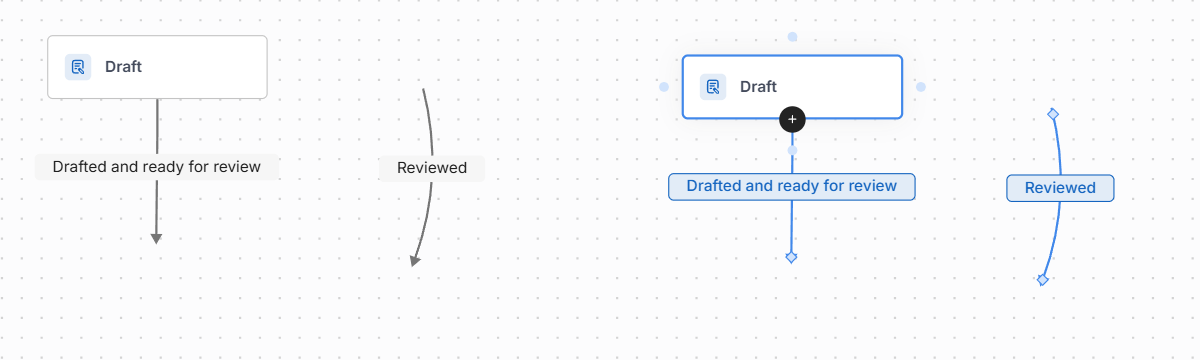
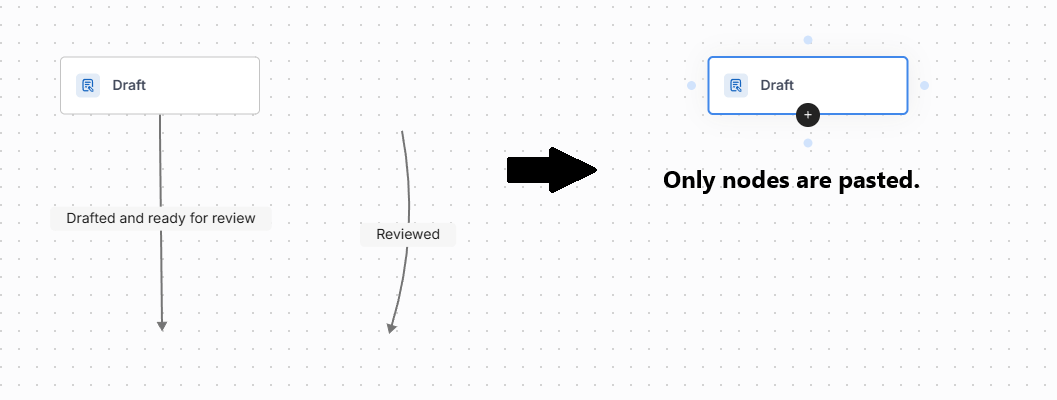
In GoJS, when we try to perform a copy-paste operation on partially or fully disconnected links, they are not pasted onto the diagram.
Solution
To enable pasting of such links, set the property:
diagram.toolManager.draggingTool.dragsLink = true;This property allows links to be dragged, which may not be desirable in the project. To ensure that only copy/paste works, simply add the following code in the CommandHandler:
override pasteFromClipboard(): go.Set<go.Part> {
    const oldDragsLink = this.diagram.toolManager.draggingTool.dragsLink;
    this.diagram.toolManager.draggingTool.dragsLink = true;
    const pastedParts = super.pasteFromClipboard();
    this.diagram.toolManager.draggingTool.dragsLink = oldDragsLink;
}
After overriding this method, both partially and fully disconnected links should be correctly pasted onto the diagram.